$ git clone https://inovtst9.u-aizu.ac.jp/gitbucket/git/yasu-abe/unofficial-thesis-template.gitIntroduction
The U-AizuGT.cls file is available on the workstations in the ISTC exercise rooms, so no special configuration is required when you use those workstations or the application servers (aplisv1, aplisv2).
We do not assume you will install and use a LaTeX environment on your personal macOS or Linux device. If you choose to do so, please resolve any issues on your own. At a minimum, you must take care of the following points:
-
Installing Times-based extended font packages.
-
Installing the style file distributed by IEICE.
The following sections assume that you are logged in to aplisv2.u-aizu.ac.jp (Internal Only), as an example of CentOS terminal in exercise room, via SSH.
Official Information
Be sure to check the official information when preparing your thesis.
-
Official information by AAC - Guideline for Graduation Thesis (Internal Only)
How to Use the Thesis Template
Please carry out the following tasks on an ISTC-managed host such as aplisv2.u-aizu.ac.jp.
The template distributed in MS Word format and the LaTeX template that produces similar output are available from the repository below.
Next, please enter the following commands.
$ cd unofficial-thesis-template
$ make
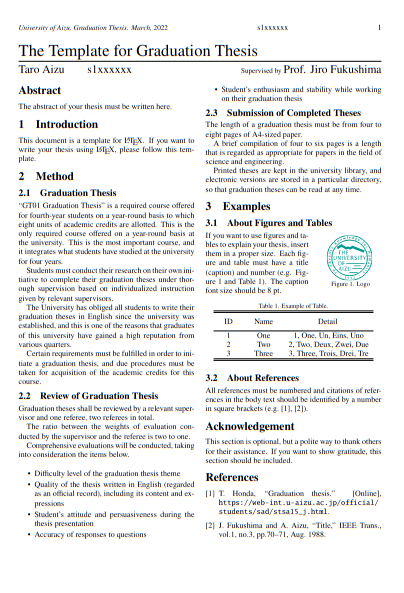
This generates thesis_template.pdf. Review the output with a PDF viewer such as evince or atril.
For reference, you can also download the generated PDF from the following link.